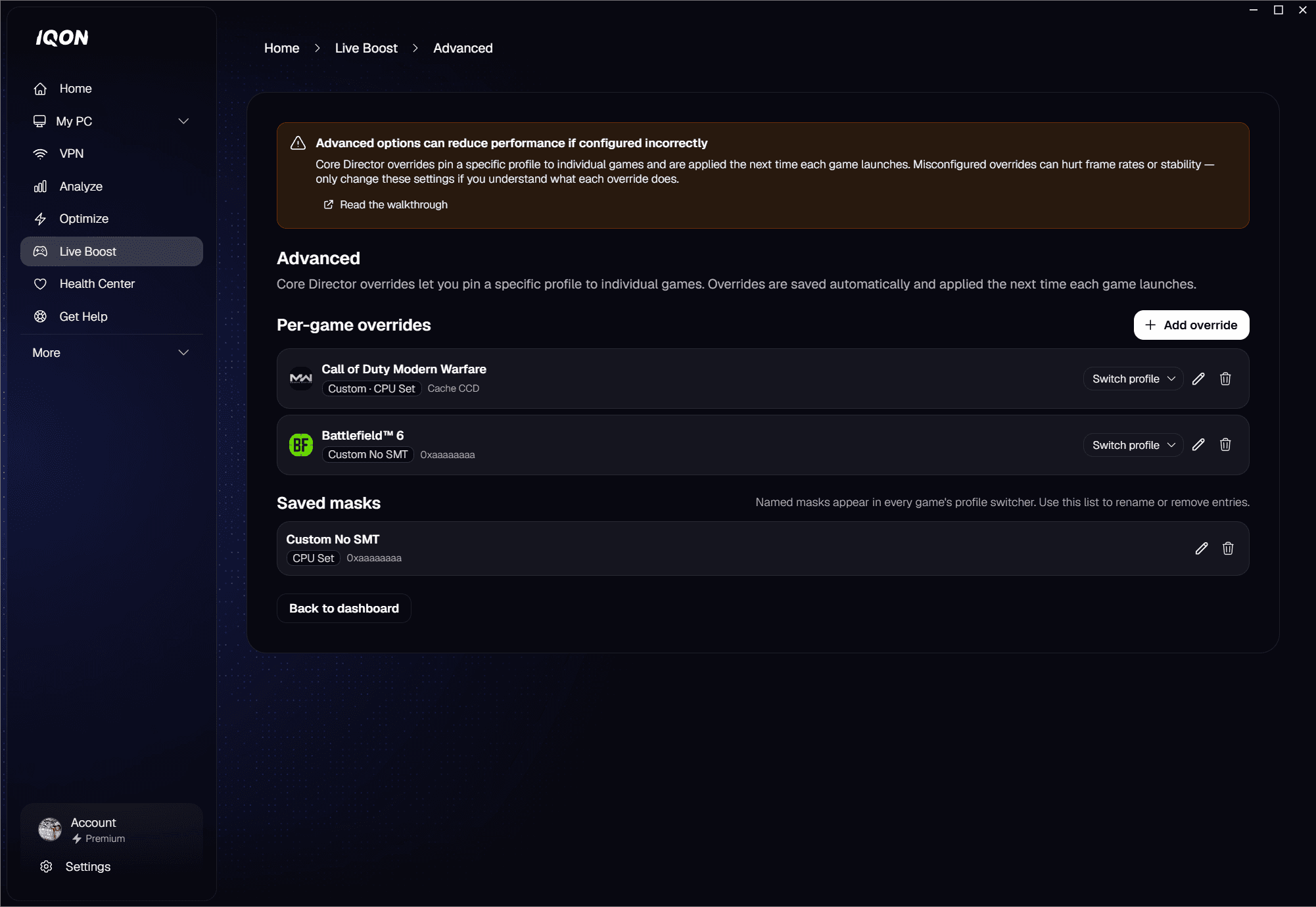
What Live Boost is
How it works
- Detects supported games — monitors running processes while IQON is open or in the tray.
- Applies optimizations automatically — no scripts, no manual steps; the moment a game launches, Live Boost kicks in.
- Removes them when you quit — optimizations are reversed cleanly when the game closes.
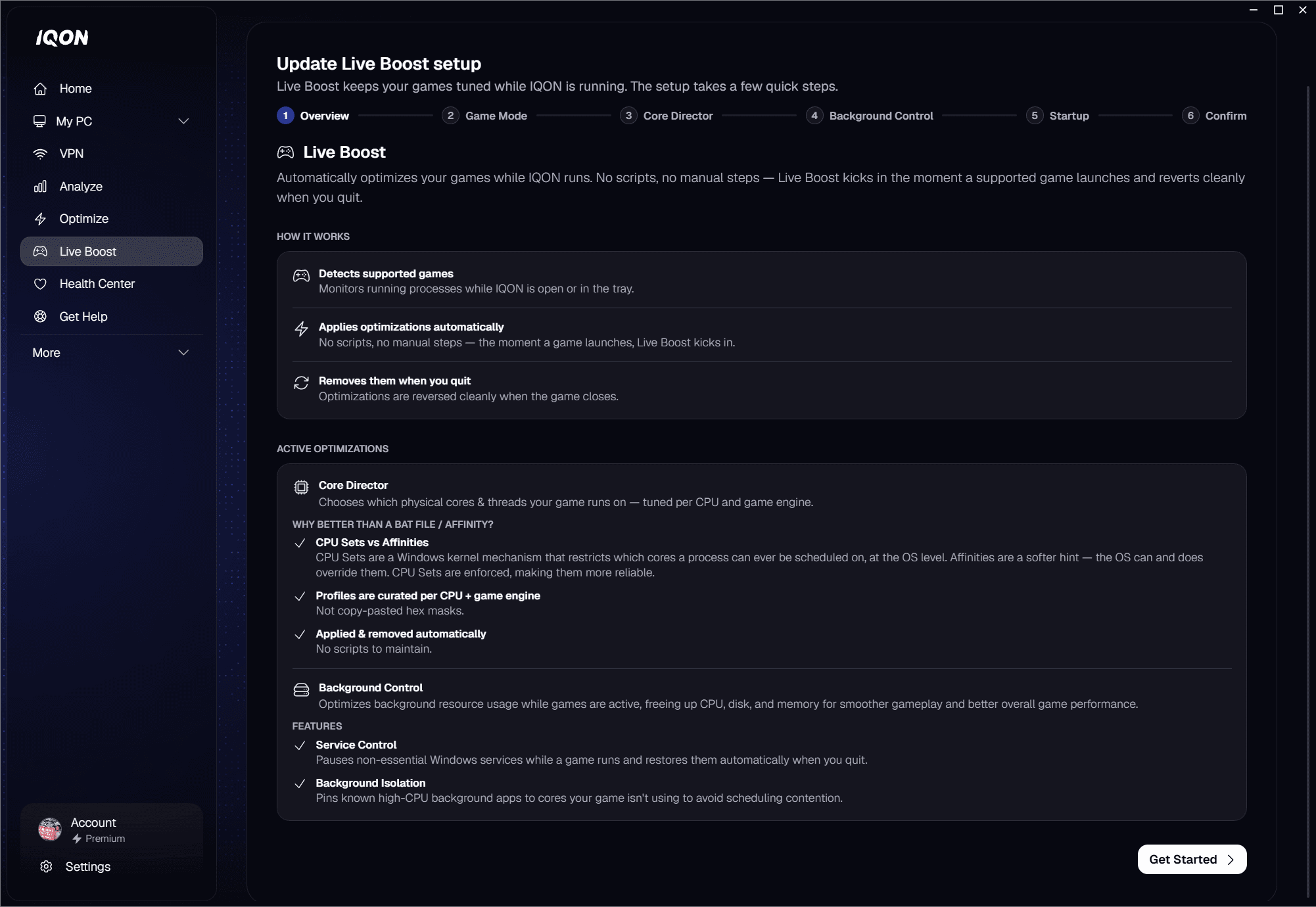
Setting it up
Windows Game Mode
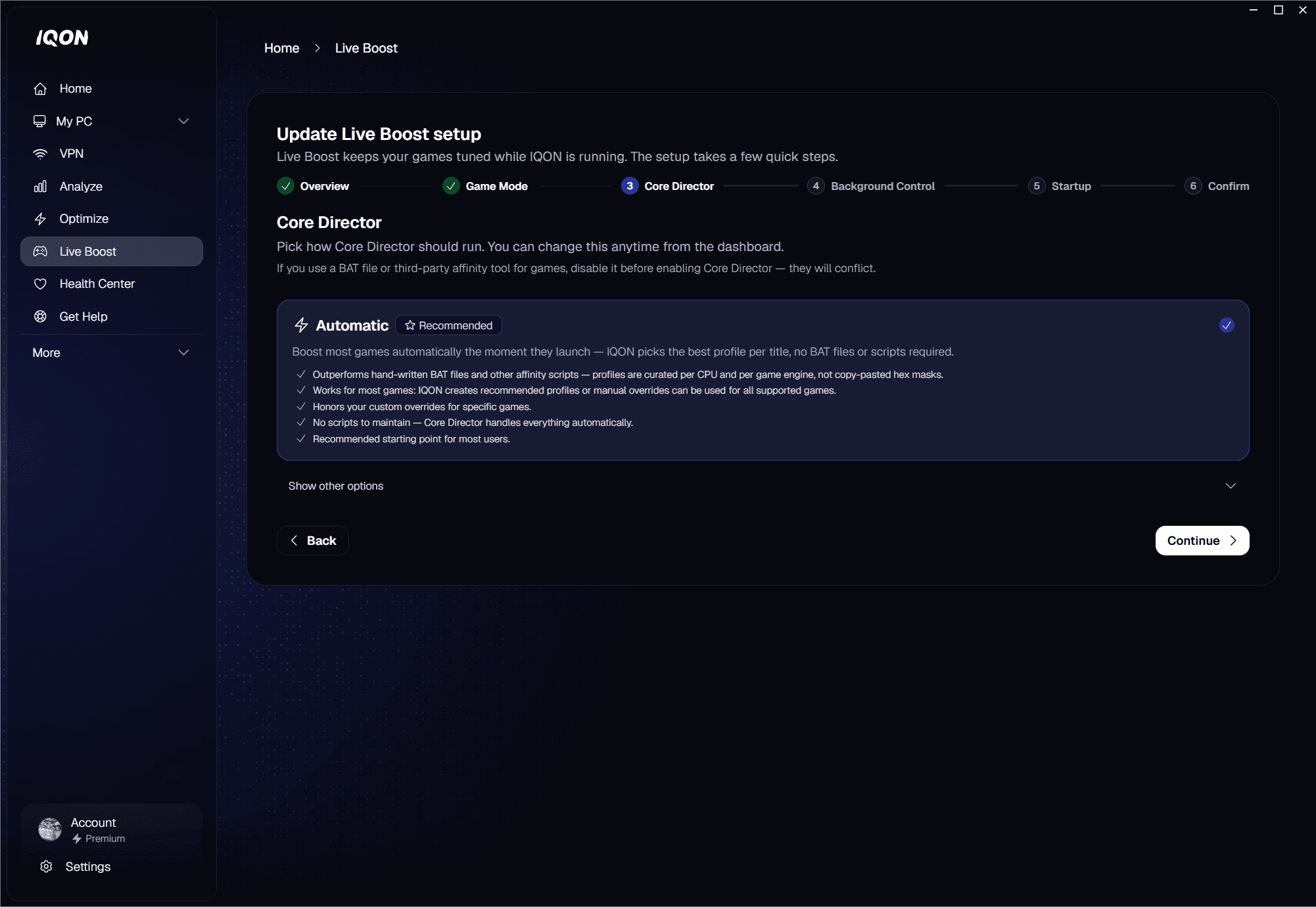
Core Director
- Automatic (Recommended) — boost most games automatically the moment they launch. IQON picks the best profile per title; no BAT files or scripts required.
- Manual only — only boost games where you have set up a custom Core Director profile.
- Off — do not apply any Core Director profile to any game.
CPU Sets vs Affinities
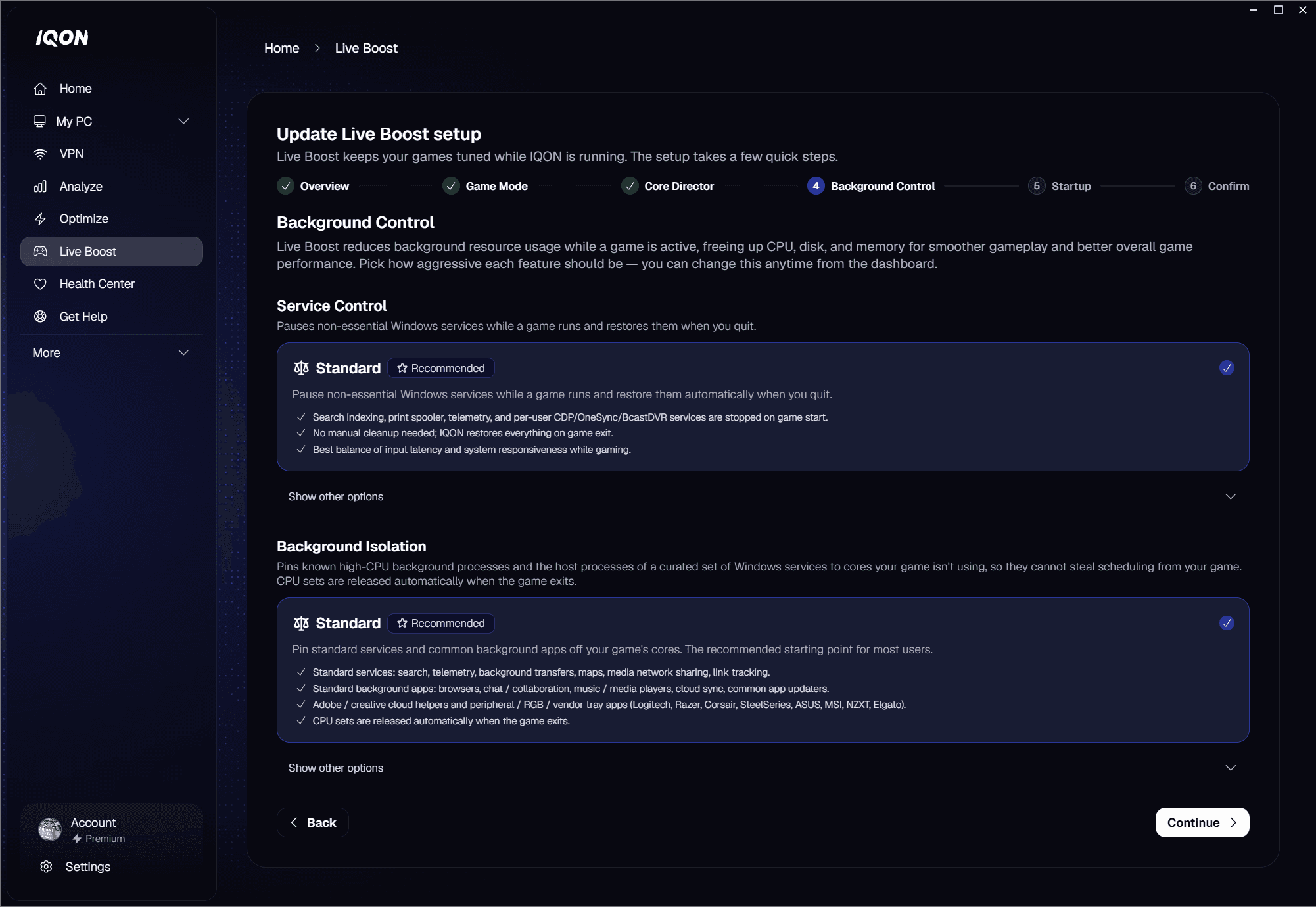
Background Control
Service Control
- Standard — search indexing, print spooler, telemetry, and per-user CDP/OneSync/BcastDVR services are stopped on game start; IQON restores everything on game exit. Best balance of input latency and system responsiveness while gaming.
- Off — Live Boost leaves Windows services running. Core Director will still optimize your game.
Background Isolation
- Standard (Recommended) — standard services (search, telemetry, background transfers, maps, media network sharing, link tracking) plus standard background apps (browsers, chat and collaboration, music and media players, cloud sync, common app updaters), Adobe and creative cloud helpers, and peripheral / RGB / vendor tray apps (Logitech, Razer, Corsair, SteelSeries, ASUS, MSI, NZXT, Elgato).
- Creator — everything in Standard plus more services (connected devices, store and app deployment, network discovery, smart-card, misc UX / device services, per-user CDP/OneSync/BcastDVR) and the creator / streaming process set (OBS, Streamlabs, XSplit, NVIDIA Broadcast, Elgato capture, Wave Link, Krisp), plus screen capture helpers (ShareX, Greenshot, Snipping Tool) and audio-active comms helpers.
- Extreme — everything in Creator plus the most services (Windows Update, Delivery Optimization, Update Orchestrator, Medic, TrustedInstaller) and the security / AV / EDR set (Microsoft Defender / Defender for Endpoint, Malwarebytes, Avast, AVG, Bitdefender, ESET, Sophos, SentinelOne, Trend Micro).
- Off — Live Boost never pins services or processes to the isolation mask.
Startup behavior
Confirmation
Using the dashboard
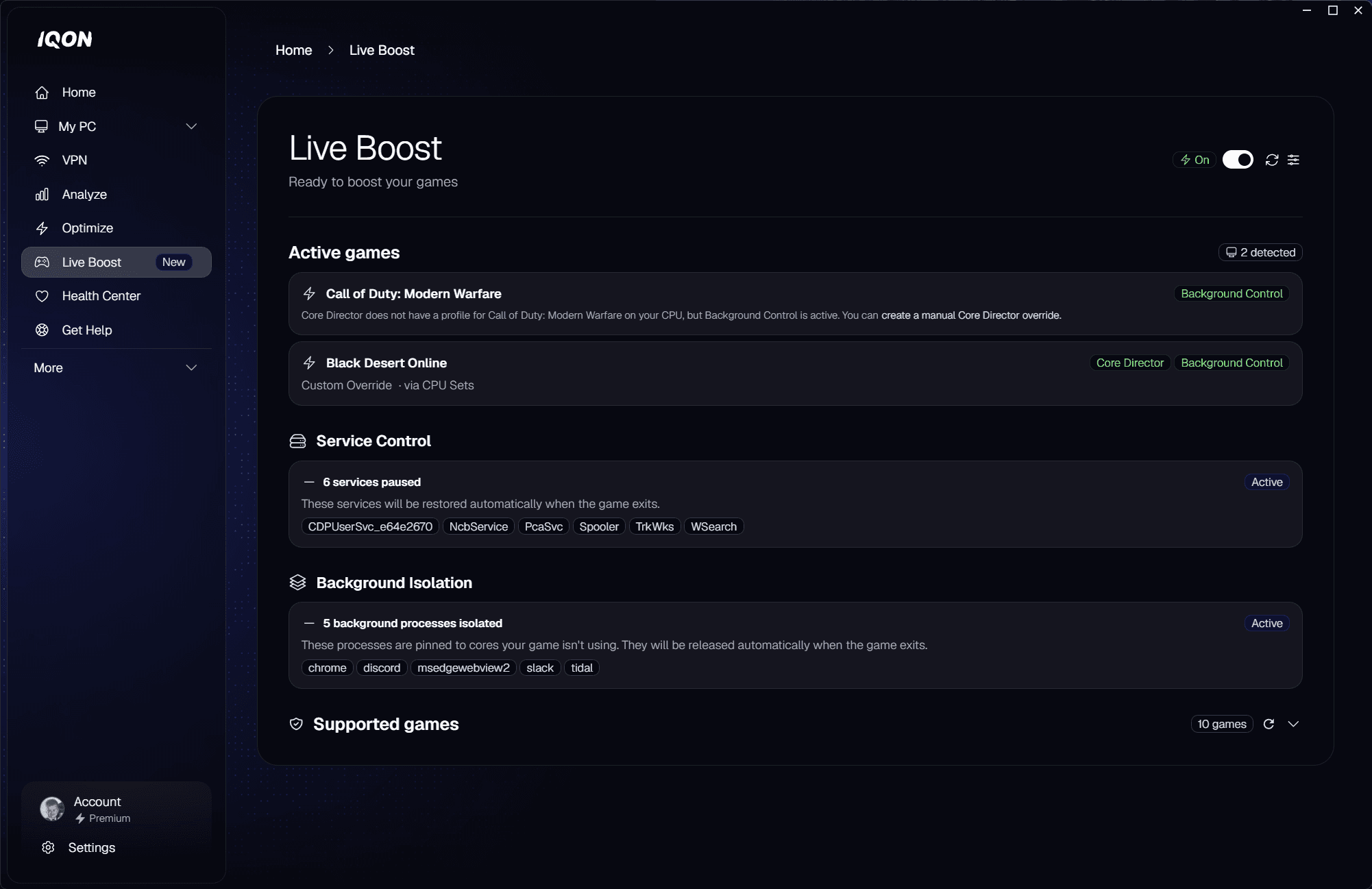
- Master switch — turn Live Boost on or off. The header shows Ready to boost your games when enabled and Live Boost is paused when disabled.
- Active games — every supported game Live Boost detects, with a Boosted or Detected tag. Boosted rows show whether Core Director applied the profile via Affinity Mask or via CPU Set.
- Service Control status — N services paused while gaming, with the list of stopped services. Restored automatically when the game exits.
- Background Isolation status — N background processes isolated, with the active preset shown as a sub-line. Pinned processes are released automatically when the game exits.
- Supported games — installed games with a Core Director profile, tagged Custom Override, IQON Recommended, or Custom + Recommended.
Advanced overrides
- Select game — pick from the installed games list, or choose Other (running process)… to target an arbitrary executable by path.
- Profile choice — IQON Recommended uses the curated profile for that game; Custom lets you choose the mask kind and value.
- Mask kind — Affinity Mask (hard restriction) or CPU Set (preference).
- Mask value — enter the cores or hex mask, then confirm to save the override.